Live selling feels like a crowd. The Whatnot earnings report says otherwise: a small group of repeat buyers produces most of the money, and a few buyers cost you time out of proportion to what they spend. Both groups are in the CSV, under BUYER_NAME, on every order row. Knowing them by name changes how you run a show.
Repeat buyers on Whatnot are the whole business
In a two-year run of sample data, the top 10% of buyers produced roughly half of all revenue, and the buyers who came back in two or more different weeks, about a third of everyone, produced 70% of it. That pattern shows up in most live-selling shops. The names change; the shape does not.
That makes three questions worth answering every week:
- Who are my top buyers this week, and what have they spent with me in total?
- Which buyers came back, and which first-timers should I welcome next show?
- Who do I need a note on: a return, a payment issue, a size they always ask for?
The long way: a buyer ledger in a spreadsheet
- Stack every weekly earnings CSV. Keep paid
ORDER_EARNINGSrows. - Pivot by
BUYER_NAME: count of orders, sum ofPOST_COUPON_PRICE, first order date, last order date, count of distinct weeks (REPORT_START_DATE). - Sort by lifetime spend. Your top twenty are your VIPs.
- Add a
Notescolumn and aFlagcolumn. Record what you know: sizes, favorites, a return, a chargeback, a shipping problem. - Each week, re-run the pivot and check two lists: new names (welcome them on stream) and names missing for four or more weeks (mention what they used to buy).
The spreadsheet works. The hard part is keeping it up when you are also packing orders.
The short way: the Buyers tab
MARGN.PLUS keeps the ledger from your uploads. The Buyers tab shows repeat buyers, new buyers and retention rate for any date range, a Top Buyers chart, and a Top Buyers detail table with this range and lifetime side by side: orders, revenue, average order, lifetime orders, lifetime value, last order.
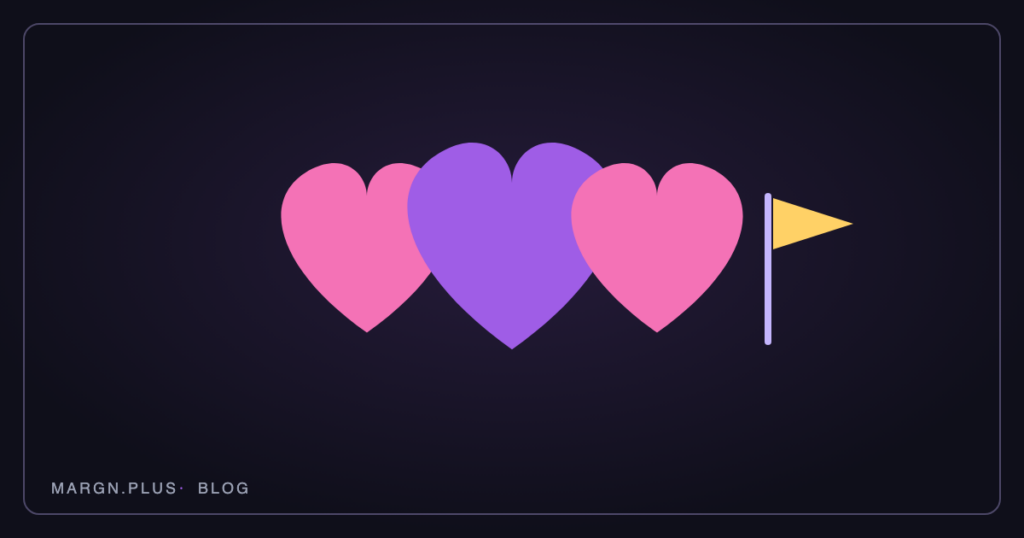
Two marks live on every buyer:
- ❤ VIPs. Heart a buyer and they appear in a VIPs list with lifetime orders and revenue, so you can find your regulars in a long list without scrolling.
- 🚩 Red Flags. Flag a buyer and they appear in a Red Flags list. Private; only you see it.
Private notes attach to any buyer and persist across uploads. Buyer Cohorts show retention month by month and which formats (auction, buy it now, giveaway) actually build repeat customers.
What to do with the list
- Shout-outs by name. Welcome first-timers on stream. The report tells you who they are before you go live.
- Hold items for VIPs. If a regular buys a size every week, say so when the next one comes up.
- Watch the flags, quietly. A red flag is a reminder to read the ship-to twice or skip a giveaway, not a public list.
- Track the shape. If your repeat buyer rate falls for three weeks, something about the show changed. Find it before the revenue does.
Upload one weekly report and the buyer ledger, hearts, flags and notes are ready in a minute. The next show, you will know the room.
MARGN.PLUS is independent and not affiliated with Whatnot, Inc. Whatnot is a trademark of Whatnot, Inc.